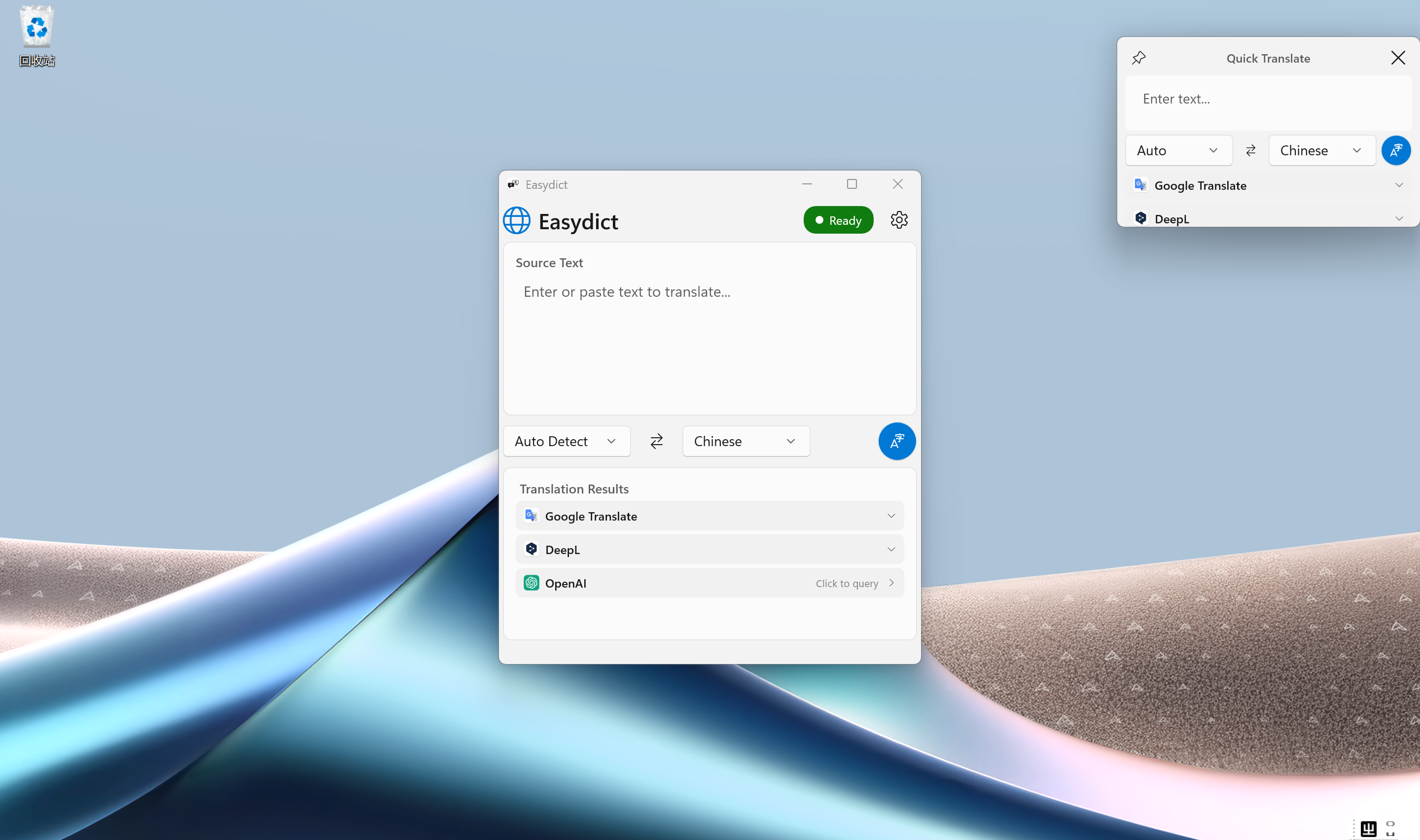
A powerful Windows translation & dictionary app, ported from the popular macOS app Easydict. Supports 18+ translation services, global hotkeys, and mouse selection translation — all in a clean, modern interface.
Features
Multiple Translation Services — Google Translate, Google Dict, Bing, DeepL, OpenAI, Gemini, DeepSeek, Groq, Zhipu AI, GitHub Models, Doubao, Volcano Engine, Caiyun, NiuTrans, Linguee, Ollama, BuiltIn AI, and custom OpenAI-compatible services. Many work out of the box with no API key required.
LLM Streaming Translation — Real-time display of translation results from AI services.
Mouse Selection Translate — Select text in any app (drag, double-click, or triple-click) and click the floating button to translate instantly in Mini Window.
OCR Screenshot Translate — Snipaste-style screen capture (
Ctrl+Alt+S) supports auto window detection or drag-to-select OCR translation, and now also supports browser right-click translation (requires installing the browser extension).Grammar Correction Mode — AI-powered grammar correction that highlights errors and provides corrected text with explanations.
Long Document Translation — Translate PDF, plain text, and Markdown documents with ML-based layout detection, formula protection, parallel processing, bilingual output, and translation cache.
MDX Dictionary Support — Load and look up MDict (.mdx) dictionaries offline, with rich HTML rendering and built-in resource (.mdd) support.
Multiple Window Modes — Main window, compact mini window, and persistent fixed window to suit your workflow.
Global Hotkeys — Quick access with customizable shortcuts like
Ctrl+Alt+T,Ctrl+Alt+D,Ctrl+Alt+M, and more.Clipboard Monitoring — Automatically translate copied text.
Multilingual UI (i18n) — Interface available in 15 languages: English, Simplified Chinese, Traditional Chinese, Japanese, Korean, French, German, Italian, Arabic, Danish, Hindi, Indonesian, Malay, Thai, and Vietnamese.
Dark / Light Theme — Follows your Windows system theme.
Text-to-Speech — Listen to pronunciation of source and translated text using Windows Speech Synthesis.
HTTP Proxy Support — Configure proxy server for translation services.
High DPI Support — Per-Monitor V2 DPI awareness for crisp display on any screen.
System Tray — Minimize to tray and run in background.